Home
About Us
Contact Us
Bookmark
Saved Bookmarks
Current Affairs
General Knowledge
Chemical Engineering
UPSEE
BSNL
ISRO
BITSAT
Amazon
ORACLE
Verbal Ability
→
Class 10
→
Biology in Class 10
→
How to insert image and link in html web page
1.
How to insert image and link in html web page
Answer» By using tag and link by using
tag with its href attribute
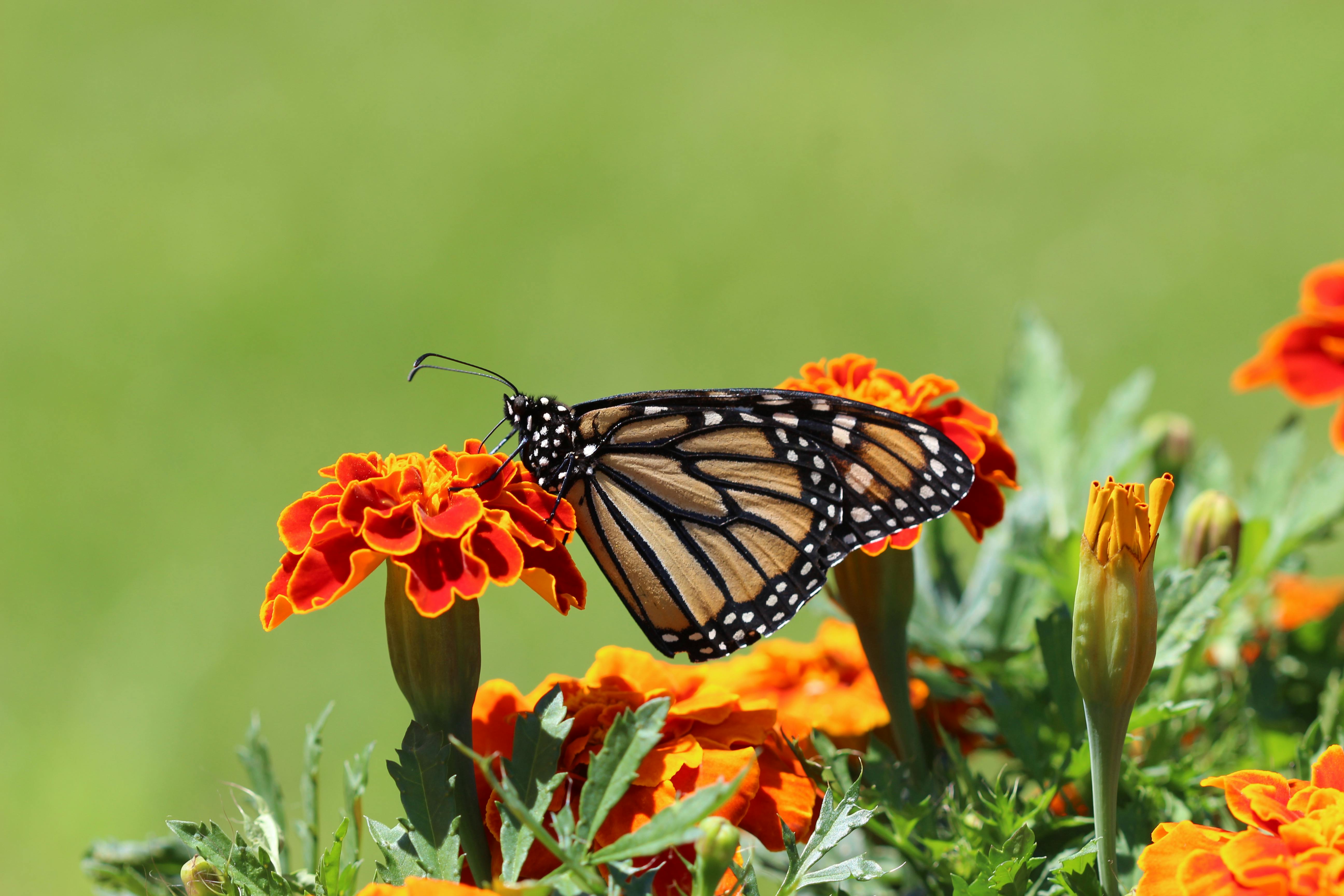
https://images.pexels.com/photos/1212693/pexels-photo-1212693.jpeg?cs=srgb&dl=selective-focus-photography-of-monarch-butterfly-perched-on-1212693.jpg&fm=jpg
Downlod this image https://images.pexels.com/photos/1212693/pexels-photo-1212693.jpeg?cs=srgb&dl=selective-focus-photography-of-monarch-butterfly-perched-on-1212693.jpg&fm=jpg and now restart the app and see your ans
First of all download this image
To insert a link, use the
tag with the href attribute to indicate the address of the target page. Example:
. You can make a link to another page in your website simply by writing the file name:
.
Show Answer
Discussion
No Comment Found
Post Comment
Related InterviewSolutions
What help us to see patterns
What is a Web Cilent?
Which book I need to buy for Computer Application for class 10
What do you mean by dumb swiyches why are they called so
Define listing tags ,also define it\'s types
VN JH HK KB
Write an HTML code to create the following ordered list C. ApplesD. OrangesE. Grapes
Syntax for table tag is... Prateek Singh your answer is here..?
What is table tag? Write with syntax.
How we can insert image in HTML code
Reply to Comment
×
Name
*
Email
*
Comment
*
Submit Reply
Your experience on this site will be improved by allowing cookies. Read
Cookie Policy
Reject
Allow cookies